You have great ideas for your AI videos, and you want to try to get monetized on YouTube. But there’s a hurdle. YouTube is rejecting channels that produce what they deem as duplicate or unoriginal content. Using AI characters in your videos that look like everyone else’s, or that have been mass produced by one of the popular “create AI viral dramas” tools is one of the ways your content will get flagged.
Creating videos with characters that look unique and more like real people, or unique stylized anime can make your work standout and help you gain viewers, followers and monetization.
Below are a few good character creation tools and what each one is best for.
A Good Start Creates A Good AI Character
The same face every time. This is the goal. If your character changes between scenes, viewers notice. Look for tools that will help you create a detailed character from all angles (front, side and back) so you can maintain consistency as the characters move. Because AI video creation tools will make assumptions if you don’t explicitly tell it or show it.
The right dimensions from the start. Create your character in 9:16 to get a full body view. You want everything from the top of their head, to their feet.
Have a look and motivation in mind. Think about every detail and prompt for it. Leaving anything up to AI to decide will more likely produce generic results. Describe their clothing, their shoes, their hair, facial expression, everything in as much detail as possible. The character doesn’t just have brown hair, but fine brown hair with slight graying at the temples, and split ends in the back.
Nano Banana (Google Gemini): Start Here Because It’s Free
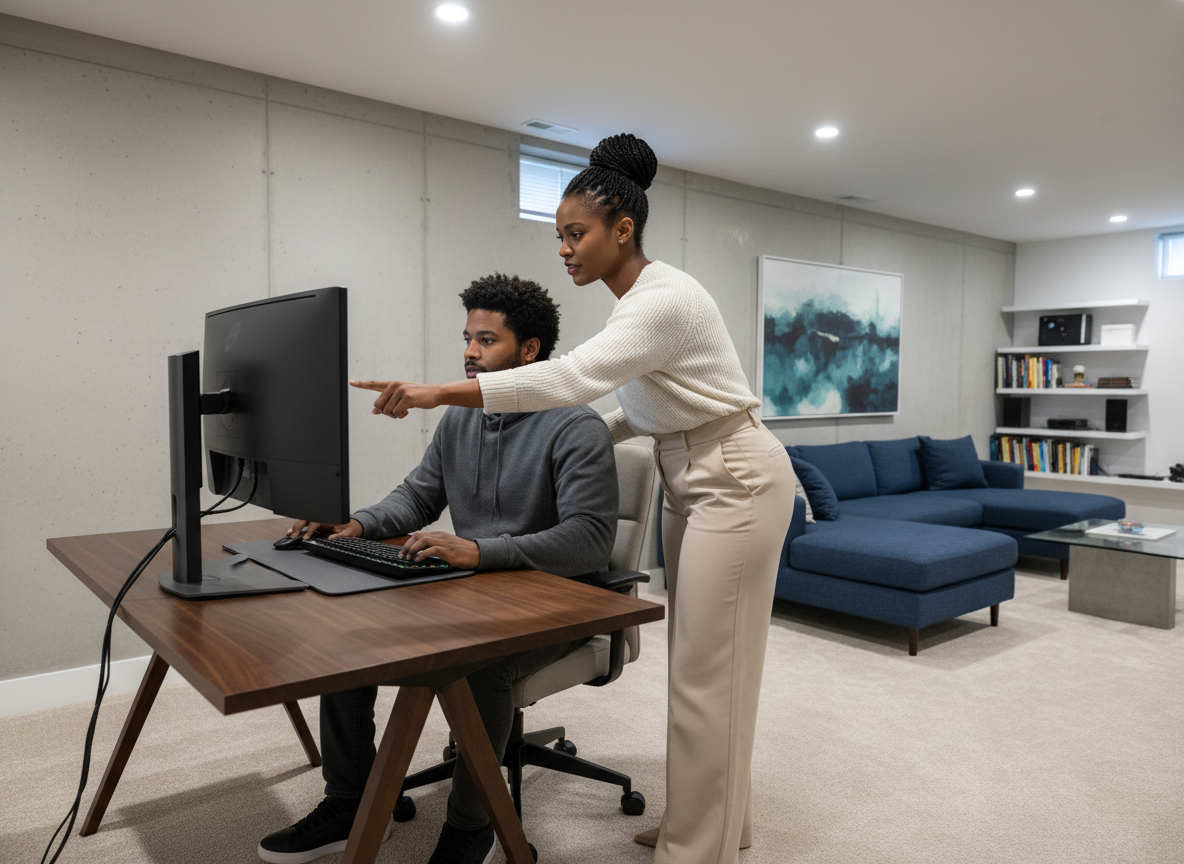


Nano Banana is Google’s basic image model, and it offers a free way to learn and practice creating your characters.
What it’s good at: keeping a character consistent. The Pro version can use up to 14 reference images and keep up to five people consistent.
What it costs: Free accounts generate with Nano Banana 2. To get Nano Banana Pro, you will need a paid Google AI plan or pay for one of the AI suites like Higgsfield.
The catch: Free image downloads come out at a lower 1K resolution, which works for testing ideas and practicing prompting. However, those characters may look muted or soft and miss details once you start creating video. Upgrade when you’re ready to actually start video production.
ChatGPT: Best When You Want AI to Feel Your Vibe
ChatGPT is very good at providing acceptable results with less prompting. You can just say “make the lighting warmer and make her expression happier” and get something very close to what you imagined. No prompt formulas, no settings menus, just vibes. ChatGPT is an easier tool for beginners unfamiliar with prompting.
However, if you want a more reliable result, it’s better to provide it more details in a more conversational style for a unique result.
Midjourney: Best for Realistic Cinematic Uniqueness
If you want character that looks like a movie actor in a scene instead of a stock photo, Midjourney is the one you want to use. Moody lighting, real atmosphere, and style and appearance that doesn’t scream “AI face.”
What it costs: there’s no free plan and the Basic plan is $10 a month.
The catch: Your images are public unless you pay for a subscription. So the free tier is not the best for commercial use, unless you want to risk your character showing up in others’ work too.
Start Today
Just starting out: Nano Banana free tier is excellent for beginners to experiment and find their vision. ChatGPT is for quick, uncomplicated characters and scenes and Midjourney is best once you have a clear vision, and style for your drama projects.
Start with the free tool and start creating your characters. Experiment with prompting to get their clothing, hair, makeup and facial expressions right. Only upgrade to the paid tier once you feel comfortable with character creation. Now you’re ready to start creating your first drama.